Van Mileage Calculator for Easy Tracking
Calculate your van mileage for tax or expenses with our free tool. Enter odometer readings and get accurate results in miles or km!
Track Your Van Mileage Effortlessly with Our Free Calculator
For van owners and small business operators, keeping tabs on travel distance is more than just a chore—it’s a necessity. Whether you’re logging journeys for tax purposes or managing expense claims, knowing the exact distance your vehicle has covered can save you time and money. That’s where a reliable van mileage calculator comes in, offering a straightforward way to crunch the numbers without hassle.
Why Mileage Matters for Van Owners
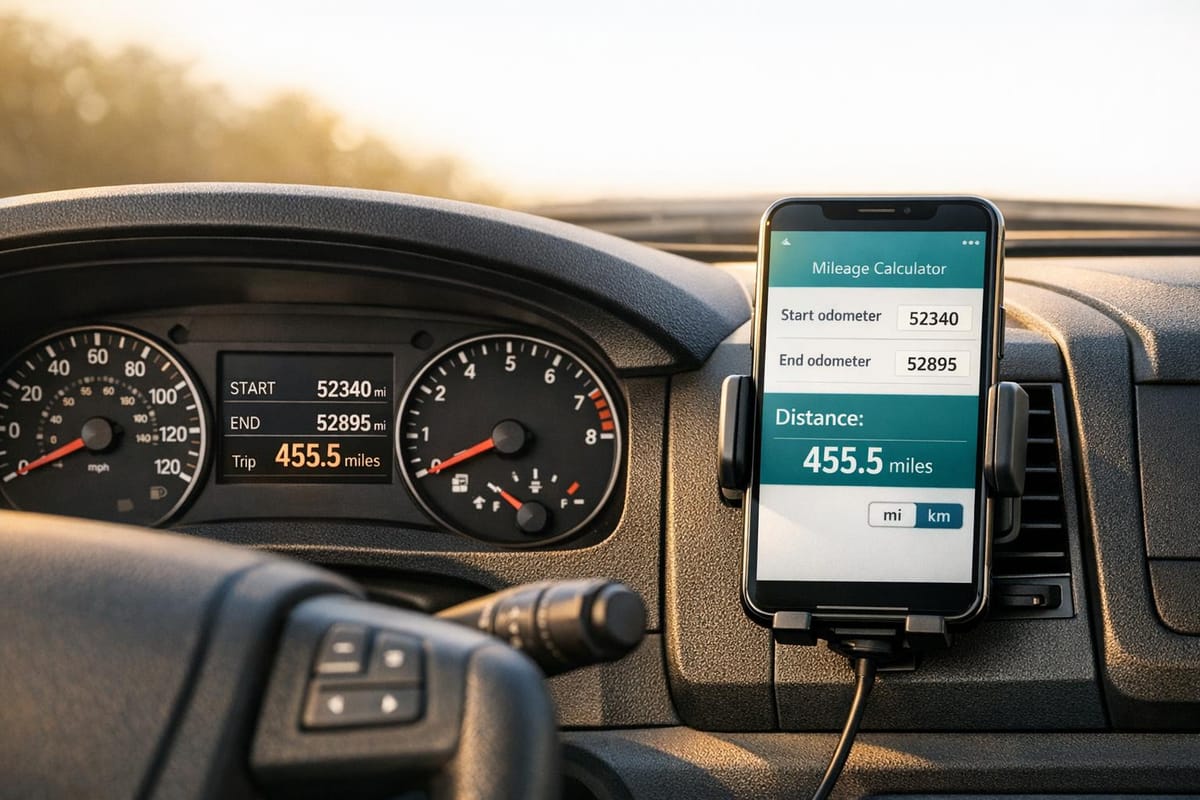
If you’re running a small business, every trip counts. Accurately recording the distance travelled helps ensure you’re not missing out on deductions or overpaying on taxes. Beyond finances, it’s also about understanding your vehicle’s usage patterns to plan maintenance or fuel budgets. With our tool, you can input starting and ending odometer readings, pick your unit—miles or km—and get precise results in seconds.
A Tool Built for Simplicity
No complicated forms or confusing steps here. This calculator is designed with busy folks in mind, whether you’re a delivery driver or a tradesperson on the go. It even catches errors, like incorrect odometer entries, so your data stays spot-on. Try it today and take the guesswork out of tracking your van’s journeys!
FAQs
Why do I need to track my van’s mileage?
Tracking mileage is crucial if you’re using your van for business purposes. It helps you claim tax deductions or reimbursements for fuel and maintenance costs. Even if it’s just for personal records, knowing your travel distance can help with budgeting and vehicle upkeep. Our tool makes this super easy by doing the maths for you—just pop in the numbers!
Can I use this tool for both miles and kilometres?
Absolutely! We’ve built this calculator to handle both units of measurement. When you’re entering your data, just pick miles or kilometres from the dropdown menu, and the result will match your selection. It’s handy if you’re working across different regions or vehicle types with varying odometer settings.
What if my ending odometer reading is lower than the starting one?
No worries, we’ve got a safeguard for that. If your ending reading is less than the starting one, the tool will show an error message saying ‘Ending odometer reading must be greater than starting reading.’ It’s a simple way to catch a typo or mix-up before you get incorrect results. Just double-check your numbers and try again.