Route Distance Converter for Planning
Convert route distances between miles and kilometers instantly with our free tool. Perfect for drivers and logistics planners. Try it now!
Simplify Travel with a Route Distance Converter
Planning a journey or managing logistics often means juggling different units of measurement. Whether you're a driver mapping out a road trip or a logistics planner coordinating deliveries, converting distances between miles and kilometers can be a real headache. That’s where a reliable distance conversion tool comes in handy, making the process quick and painless.
Why Convert Distances?
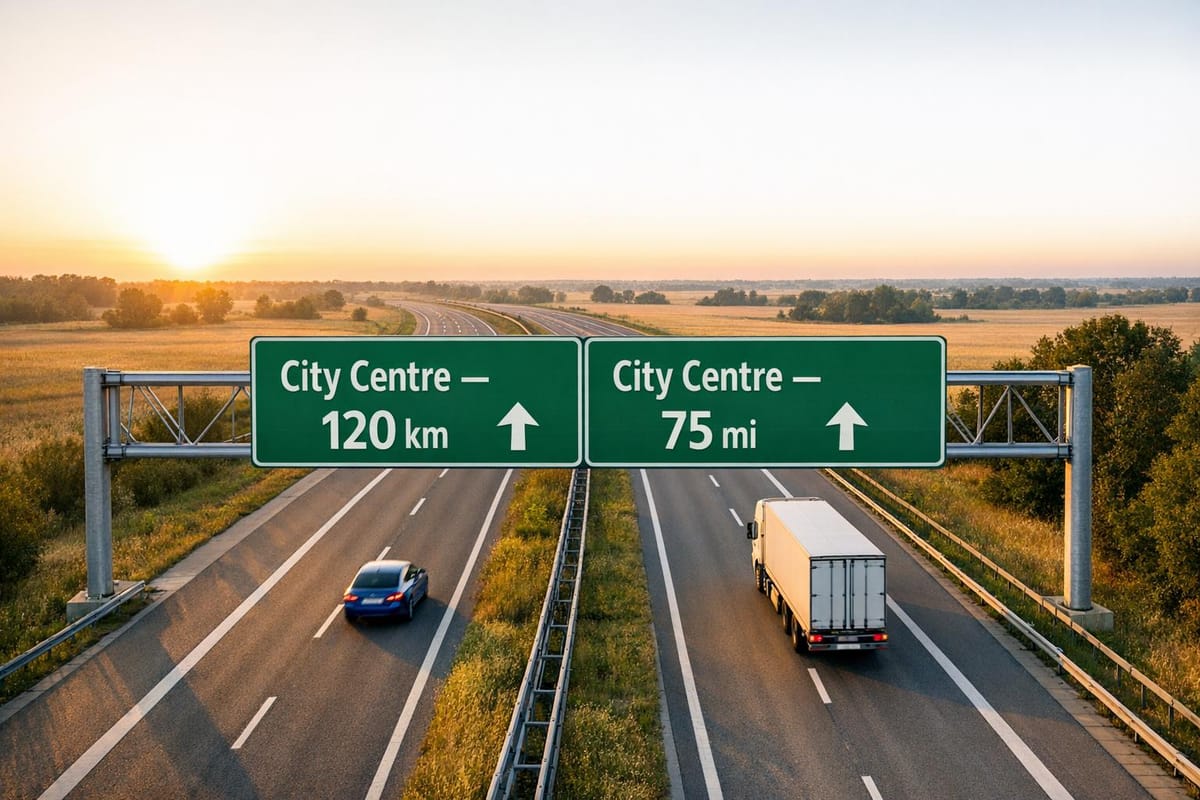
Across the globe, countries use different systems—miles in the UK and US, kilometers almost everywhere else. If you’re driving internationally or working with clients in another region, you’ll need to switch between these units to ensure accuracy. A simple miscalculation could throw off your entire plan, costing time or money. With a digital converter, you can avoid those errors and focus on the road ahead.
Who Benefits Most?
This kind of utility is perfect for everyday drivers, holidaymakers, and professionals in transport or shipping. Imagine planning a cross-country haul and needing to estimate fuel costs based on the journey length. A quick conversion ensures you’ve got the right figures, no matter the unit. So next time you’re faced with unfamiliar measurements, let a straightforward tool handle the maths for you.
FAQs
How accurate is this route distance converter?
Our tool uses standard conversion rates—1 mile equals 1.609 kilometers, and 1 kilometer equals 0.621 miles. The result is rounded to two decimal places for clarity. While it’s highly accurate for general use, remember that real-world routes might vary slightly due to road conditions or mapping software.
Can I use this tool for international travel planning?
Absolutely! Whether you’re driving across Europe in kilometers or planning a road trip in the US with miles, this converter helps you switch between units effortlessly. It’s especially handy for cross-border logistics or holidays where different countries use different systems.
What if I accidentally input a negative distance?
No worries! If you enter a negative number or zero, the tool will display a message saying, 'Distance must be greater than zero.' Just pop in a valid number, and you’ll get your conversion in a flash.