Geofence Boundary Checker
Check if a location is within your geofence! Input coordinates and get instant results for fleet tracking or personal use. Try it free now!

Discover the Power of a Geofence Boundary Checker
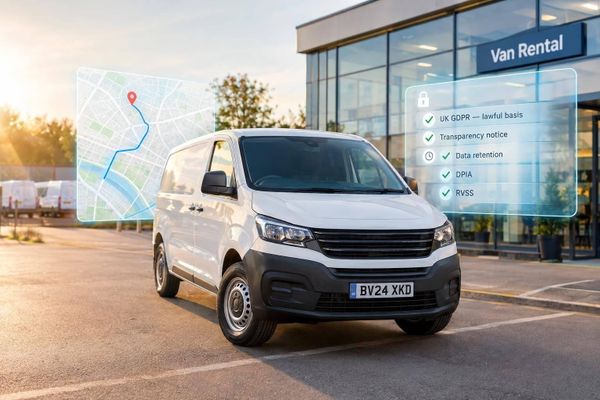
Managing locations, whether for a fleet of vehicles or personal tracking, can be a real headache without the right tools. That’s where a location verification tool comes in handy. Imagine being able to instantly determine if a specific point falls within a predefined area—no apps to download, no complicated setups. This kind of utility is a game-changer for anyone who needs to keep tabs on zones, from business owners with delivery vans to parents setting safe boundaries.
Why Use a Location Boundary Tool?
A tool like this simplifies spatial monitoring by doing the maths for you. Just input a set of coordinates and define your area—be it a circular radius around a central spot or a rectangular zone with clear edges. Within seconds, you’ll know if the location is inside or outside. It’s especially useful for industries like logistics, where staying within operational limits matters. Beyond that, it’s just a practical way to bring peace of mind, knowing you’ve got a reliable way to check boundaries anytime.
Try it out and see how effortless location tracking can be!
FAQs
What types of geofences can I check with this tool?
You can check both circular and rectangular geofences. For a circular one, just input the centre coordinates and the radius in miles or kilometres. For a rectangular area, provide the coordinates of the corners to define the boundaries. The tool handles the rest and lets you know if your point falls within the zone.
How accurate are the results from this geofence checker?
The results are based on standard geometric calculations, so they’re pretty reliable for most everyday needs. For circular zones, we calculate the direct distance from the centre to your point. For rectangular areas, we check if the point lies within the defined bounds. Keep in mind that real-world factors like GPS drift might affect precision slightly, but for planning and tracking, it’s a solid guide.
Can I use this tool for fleet management?
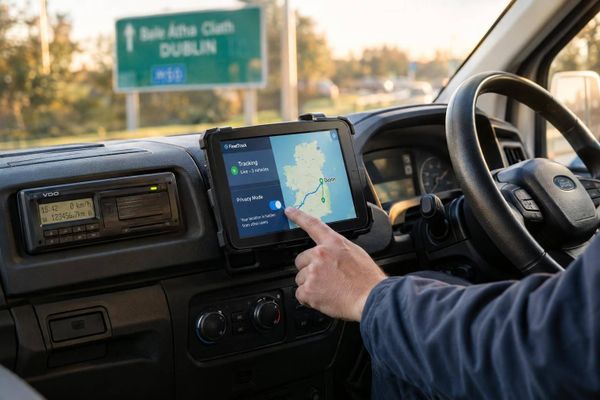
Absolutely, that’s one of the main reasons we built it! Fleet managers can input vehicle coordinates to see if they’re within designated operational areas. It’s a quick way to monitor compliance or ensure drivers stay on route. Plus, it’s free and web-based, so you can access it from anywhere without needing fancy software.