Fleet Route Distance Calculator
Calculate total distances for fleet routes easily. Input multiple stops, choose vehicle type, and get accurate mileage with our free tool!
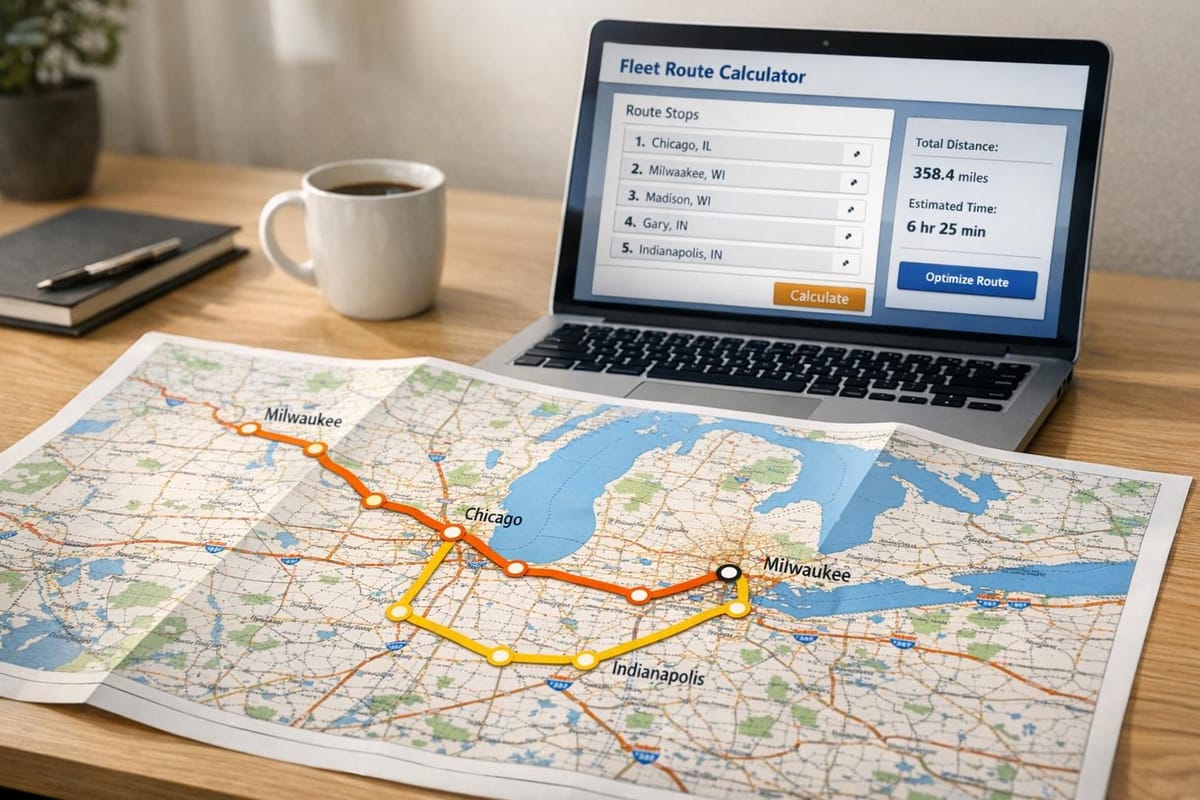
Optimize Your Operations with a Fleet Route Distance Calculator
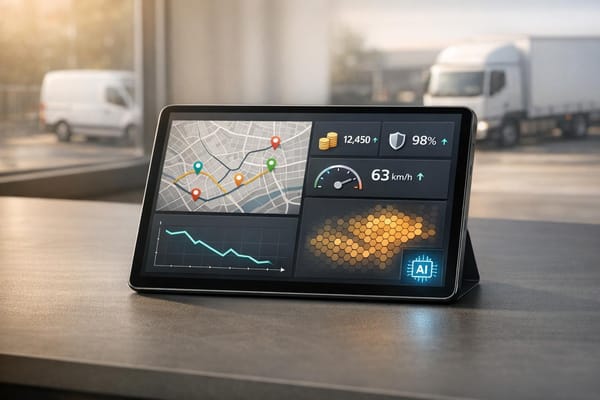
Managing a fleet of vehicles, whether for deliveries, logistics, or field services, comes with its fair share of challenges. One of the biggest hurdles is figuring out the most efficient paths to save on fuel and time. That’s where a tool designed for calculating route distances becomes a game-changer. It takes the guesswork out of planning by providing precise mileage for multi-stop journeys, tailored to your specific vehicle needs.
Why Route Planning Matters
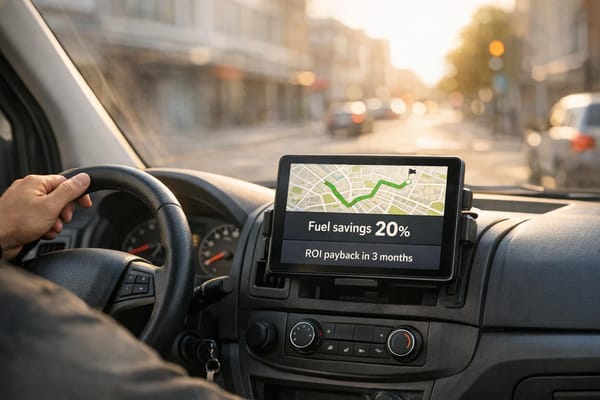
Efficient routing isn’t just about getting from point A to B. It’s about cutting unnecessary costs, reducing wear on your vehicles, and ensuring timely arrivals. With a reliable mileage planner, fleet managers can input multiple destinations, account for vehicle-specific restrictions, and instantly see the total distance alongside estimated travel durations. This kind of insight helps in making smarter decisions on the fly. Plus, with the option to toggle between one-way or return trips, you’ve got flexibility for any scenario. If you’re looking to streamline your operations, leveraging a digital solution for mapping out journeys is a practical step forward that pays off in the long run.
FAQs
How accurate are the distance and travel time estimates?
Our tool uses a trusted mapping API, like Google Maps, to calculate the shortest or fastest routes based on real-world data. Distances are pretty spot-on, but travel times are estimates based on average speeds for your selected vehicle type. Keep in mind that traffic, road conditions, or unexpected delays can affect the actual time on the road. We recommend adding a buffer for critical schedules.
Can I use this tool for different types of vehicles?
Absolutely! We’ve included a dropdown for vehicle types—car, van, or truck—so the tool can factor in route restrictions or speed differences. For instance, trucks might avoid certain roads due to height or weight limits, and we adjust average speeds accordingly. It’s a small detail that makes a big difference for accurate planning.
Is there a limit to how many stops I can add?
Yes, you can add up to 10 stops per route. We’ve set this limit to keep the tool fast and focused on core functionality without overwhelming the system. If you’ve got a more complex route with additional stops, consider breaking it into smaller segments or reaching out for a custom solution. We’re happy to help!